
From an Idea to a Playable Game: How Children Learn to Build With AI
A finished game requires more than generated code. See how children move from an idea to rules, interfaces, testing and a project they can explain.
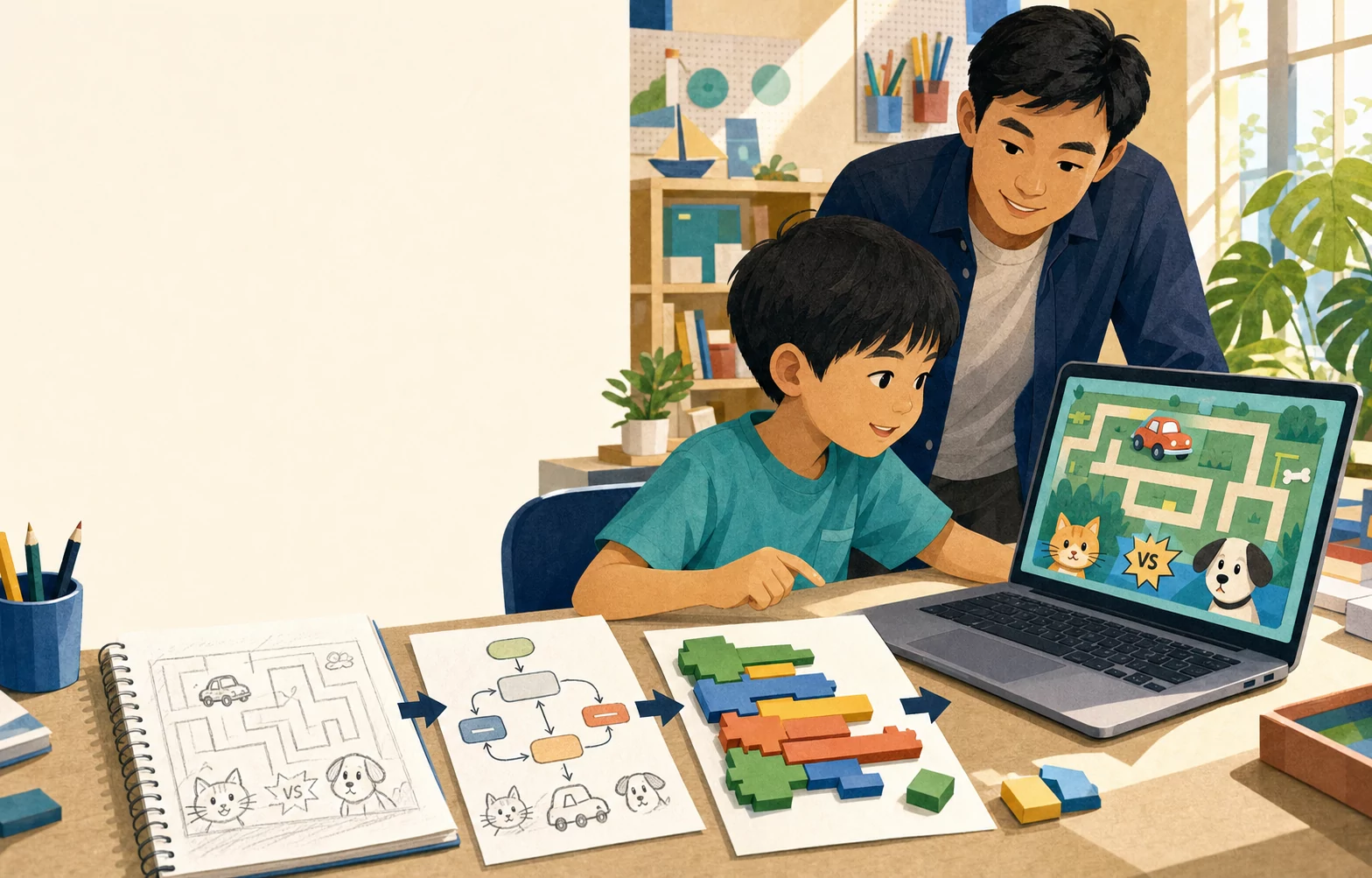
“Make me a game about a flying cat” is an idea. It is not yet a game design, and an AI-generated block of code does not close the gap.
A playable game needs decisions the first sentence leaves unanswered. What can the cat do? What counts as danger? How does the player know they were hit? When does a level end? What should happen on a phone when there is no keyboard?
Those questions are where a coding project becomes useful for learning.
Begin with the experience, not the prompt
Before asking AI to produce anything, the student needs a small, testable version of the idea. Define the player, goal, controls and win-or-loss conditions. Remove features that do not help the first version work.
For a maze game, the first goal might be simple: write instructions that move a car from its starting square to a destination without crossing an obstacle. For an arcade game, it might be moving one character and detecting one collision.
A narrow first version gives the student something they can understand completely. Complexity can be added after the rule works.
Turn the idea into explicit state and rules
Games remember things: position, score, health, level, collected items and difficulty. If those values exist only in the student’s imagination, neither the code nor the AI has enough information.
The student names what must be tracked and describes how each value changes. Losing health after a collision is a rule. Advancing after reaching a score is another. The screen, sound and animation should communicate those changes to the player.
This work is less dramatic than generating a character image. It is also what keeps the project coherent when new features arrive.
Ask AI for a bounded piece
A useful AI request contains context and limits: the existing behavior, the intended change, the relevant technology and what must remain untouched.
Instead of “improve my game,” a student might ask for help adding a temporary shield while preserving the current movement and scoring rules. They still need to read the response, connect it to the project and reject changes that do not fit.
AI can accelerate a draft. It cannot take responsibility for whether the new part belongs in the system.
Test the behavior, including the inconvenient cases
The first successful run proves very little. What happens when the player presses two controls? When the page is resized? When the game stays open for a long time? When Thai text is longer than English text? When progress is interrupted?
Siamese Cat Creative Club’s published project examples make this process visible. Car Maze combines Python learning tasks with a React and JavaScript browser application, progress storage and bilingual explanations. Cat vs Dog 1986 combines movement, attacks, enemies, levels, scoring, sound, touch controls and saved state in a browser game.
The point is not that a beginner creates every underlying system alone. Instructor guidance divides the project into decisions the student can examine and test.
Finish by explaining what was built
A project is more valuable when the child can describe its rules, one failure and one repair. That explanation reveals whether the code remains connected to the student’s thinking.
The 12-lesson Coding with AI course at Siamese Cat Creative Club follows that path: define the problem, build logic, plan the interface, use AI with constraints, debug and present a first game or mini app. Children aged six and above begin with an individual readiness check, including an optional free 30-minute trial.
The finished game is evidence, but it is not the whole outcome. The more important shift is from asking AI to “make something” to giving it a precise job, checking the result and remaining responsible for the project.